I’ve been using the M1 MacBook Air for the last year, and I’m still not sure I can give it up, so I’m writing this post to give you all the details to guide you in your decision.
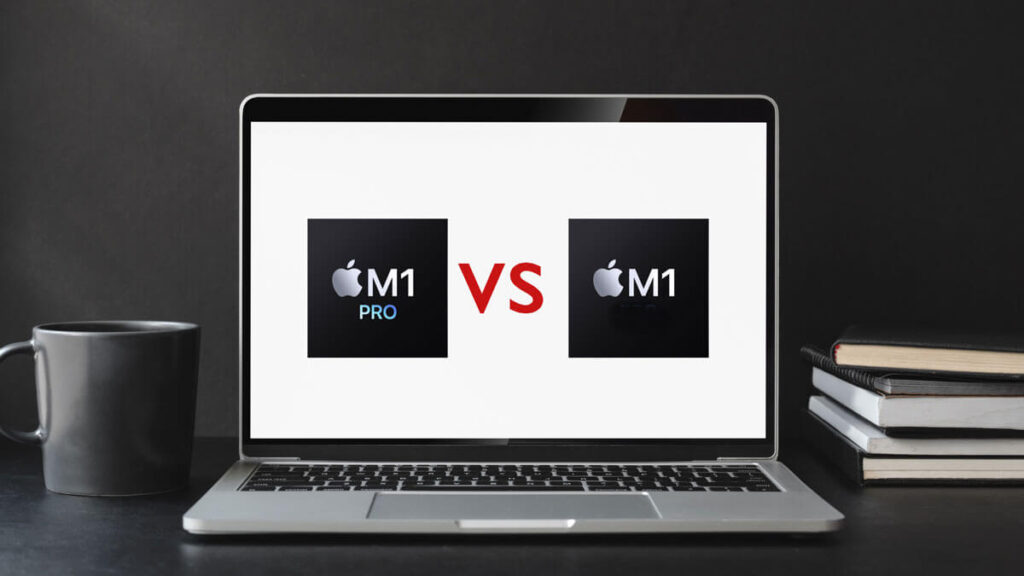
I’m not going to bore you with all the specs. I just want to give you a raw comparison of what you can expect between both the M1 MacBook Pro 14″ (base model) and the M1 MacBook and MacBook Air 13″.
This isn’t a competition. We all know the M1 Mac is the lesser machine, but by how much?
Lets find out.

SSD speed comparison
The MThe M1 Pro doesn’t just give you a faster machine it gives you faster SSD performance.
How much faster is the M1 Pro SSD compared to the M1 MacBook?
| M1 Macbook | M1 Pro |
| 2.5 Gigabytes/sec | 5 Gigabytes/sec |
The M1 Pro chip is twice as fast!
Apple says that the new M1 Pro and Max will have an SSD speed of 7 gigabytes/second, but it’s more like 6 gigabytes/second, and that’s only if you upgrade to 2 terabytes or more.
If you decide to go with a smaller SSD then your previous Mac, be sure to read my guide on how to migrate your files to a smaller SSD.
Lightroom Classic Photo editing
How does the M1 pro compare to the M1 for Lightroom?
When converting a 42 megapixel image to super resolution (168 megapixels). The M1 Pro chip is more than twice the speed of the M1.
| M1 Macbook air | M1 Pro (base) |
| 25 seconds | 9 seconds |
M1 vs M1 Pro for Final Cut Pro

How well does the M1 MacBook compare to the M1 Pro MacBook with Final Cut Pro?
This comparison was done with 9:58 min of 4k footage with the A7siii.
| M1 | M1 Pro (base) |
| 8: 34 Min | 3:57 Min |
M1 vs M1 Pro for Davinci Resolve
This test was done with 3 min of 4k ProRes 4:2:2 footage.
| M1 | M1 Pro (base) |
| 3:08 Min | 43 seconds |
Performance Speed (Geekbench)
How does the M1 Macbook compare to the M1 Pro with Geekbench?
With single core you actually won’t notice much of a difference, but with multicore the M1 Pro dominates with almost twice the performance of the M1.
| M1 | M1 Pro (base) | |
| Single core | 1743 | 1766 |
| Multicore | 7,468 | 12,500 |
Blender
| M1 | M1 Pro (base) |
| 51 seconds | 45 seconds |
Price
According to Luke Miani, the XDR display adds a $300 value to the M1 Pro MacBook. The faster SSD adds at least another $100, and having magsafe, HDMI and an SD carder makes the M1 pro more and more worth the price.
If you’re on a budget, you’ll be perfectly content with the base model M1 Mac mini or MacBook Air. If you have the money for the M1 Pro MacBook you won’t find a better value for this price.
Battery life
Battery life on the M1 MacBook Air is rated for 18 hours. Battery life on the M1 Pro MacBook is rated for 17 hours. In a real-world test the MacBook Air got 14 hours and 40 min while the M1 Pro MacBook got 14 hours and 8 min.
Not too much to complain here and neither device has a noticeable benefit over the other.
M1 vs M1 pro Pros and Cons
M1
- Fan-less
- Old display
- Slower SSD (but still fast)
- $1000 less expensive
- Blazing fast
- Thinner
- USB-C charging
- No Notch
M1 Pro
- Fans (but quiet)
- XDR display
- Faster SSD
- $1000 more expensive
- Significant performance boost from M1
- Thicker
- Magsafe
- Notch
Verdict
I don’t think you need to continue reading to know which Mac is king. I’m still deciding if I should ditch my M1 MacBook air and upgrade.
I don’t need the performance of the M1 Pro, but do I want it?
Yes.
It would also be nice to have an SD card reader, more ports, MagSafe, a faster SSD, and the XDR display. For the price, the M1 Pro MacBook is worth it, but so is the M1 MacBook Air.
It’s a tough decision, but my top choice is the M1 Pro MacBook, but for now I’m going to stick with my M1 MacBook Air for the sake of being content with less.
If your still not sure which Mac to choose, read my other post here to help you out.